The buyer checks your LinkedIn before the bid. Give them something to find.
Paste your company URL. Blendin writes and designs each piece in your real colors, fonts and voice, then publishes it to LinkedIn, Instagram, Facebook and Threads.
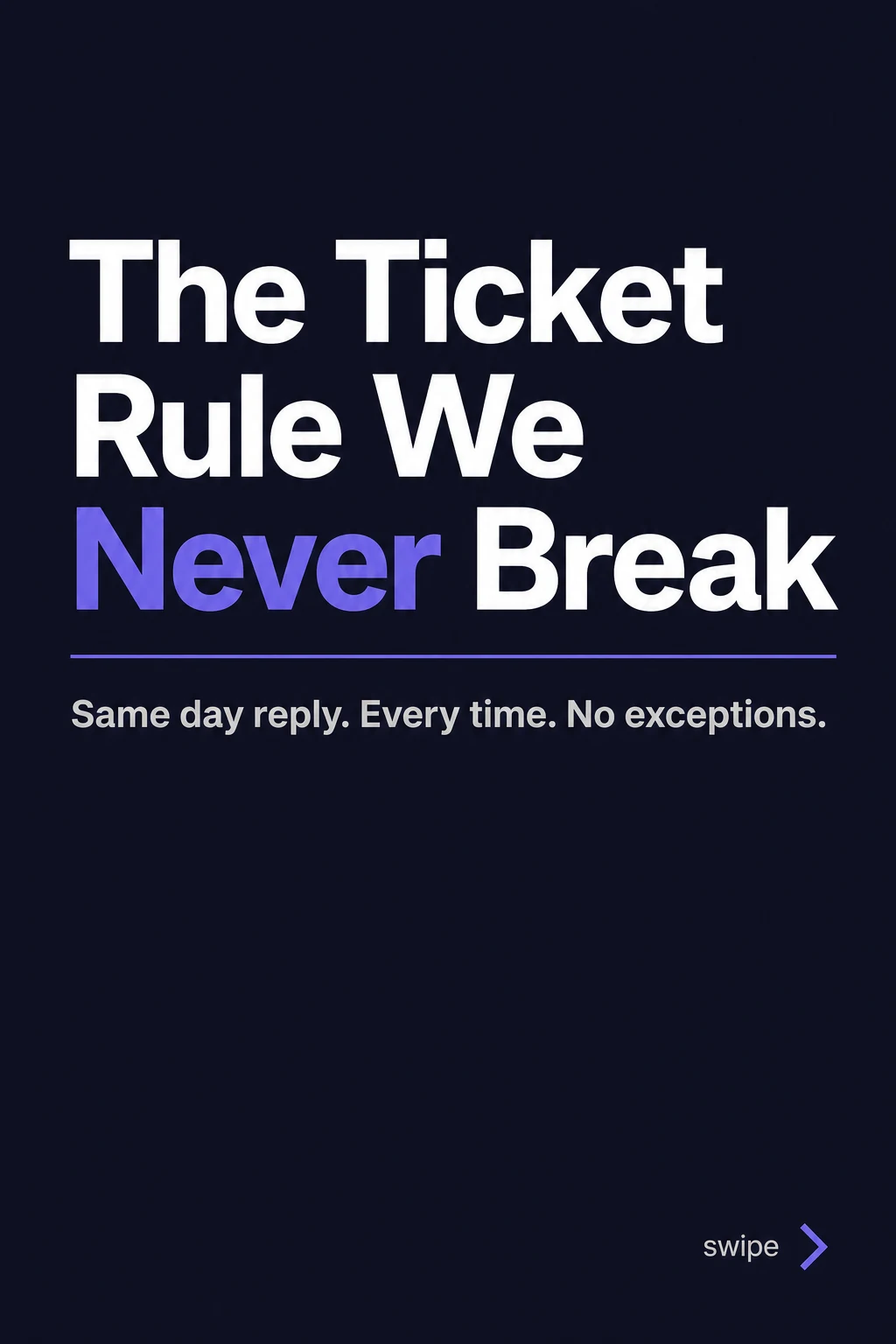
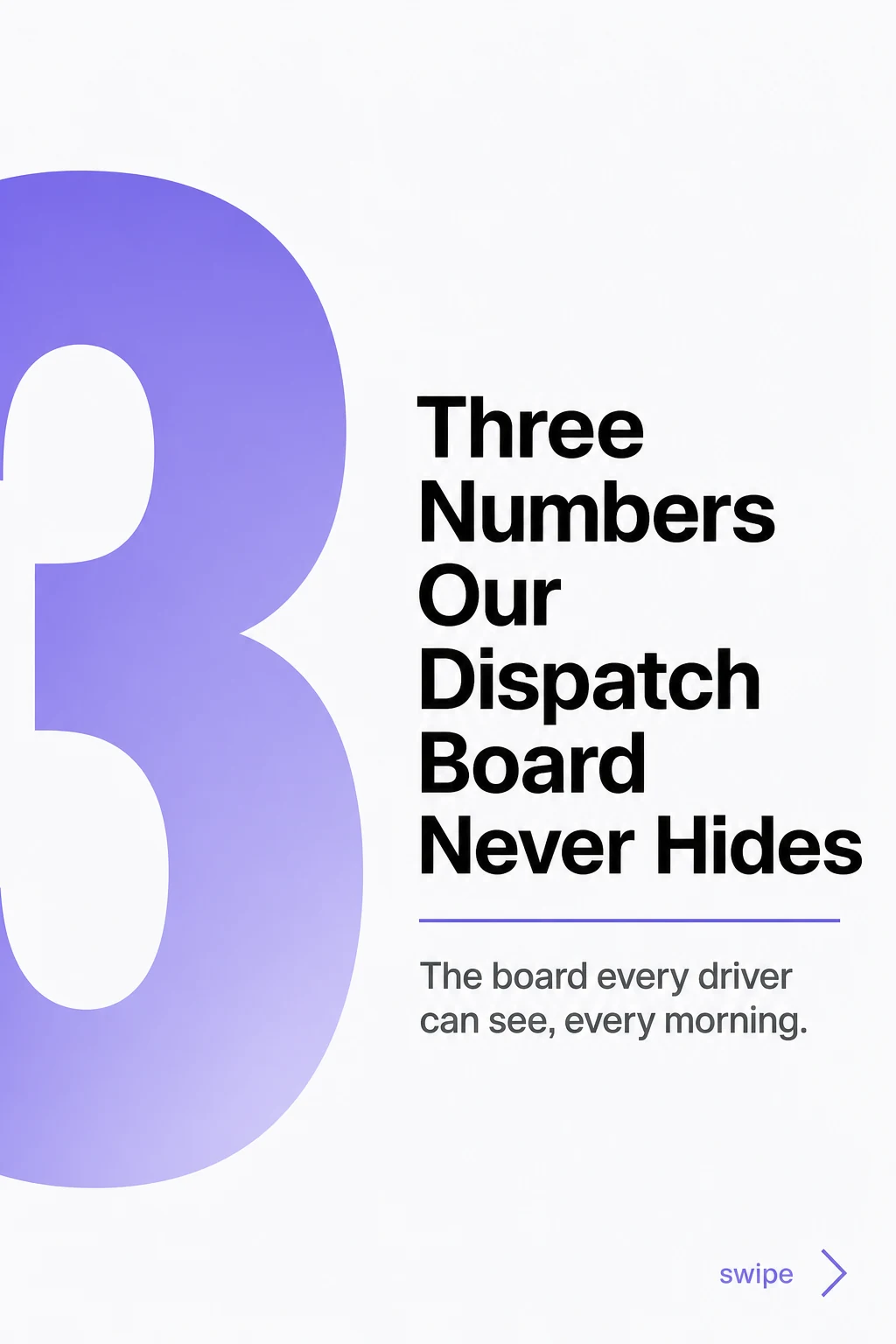
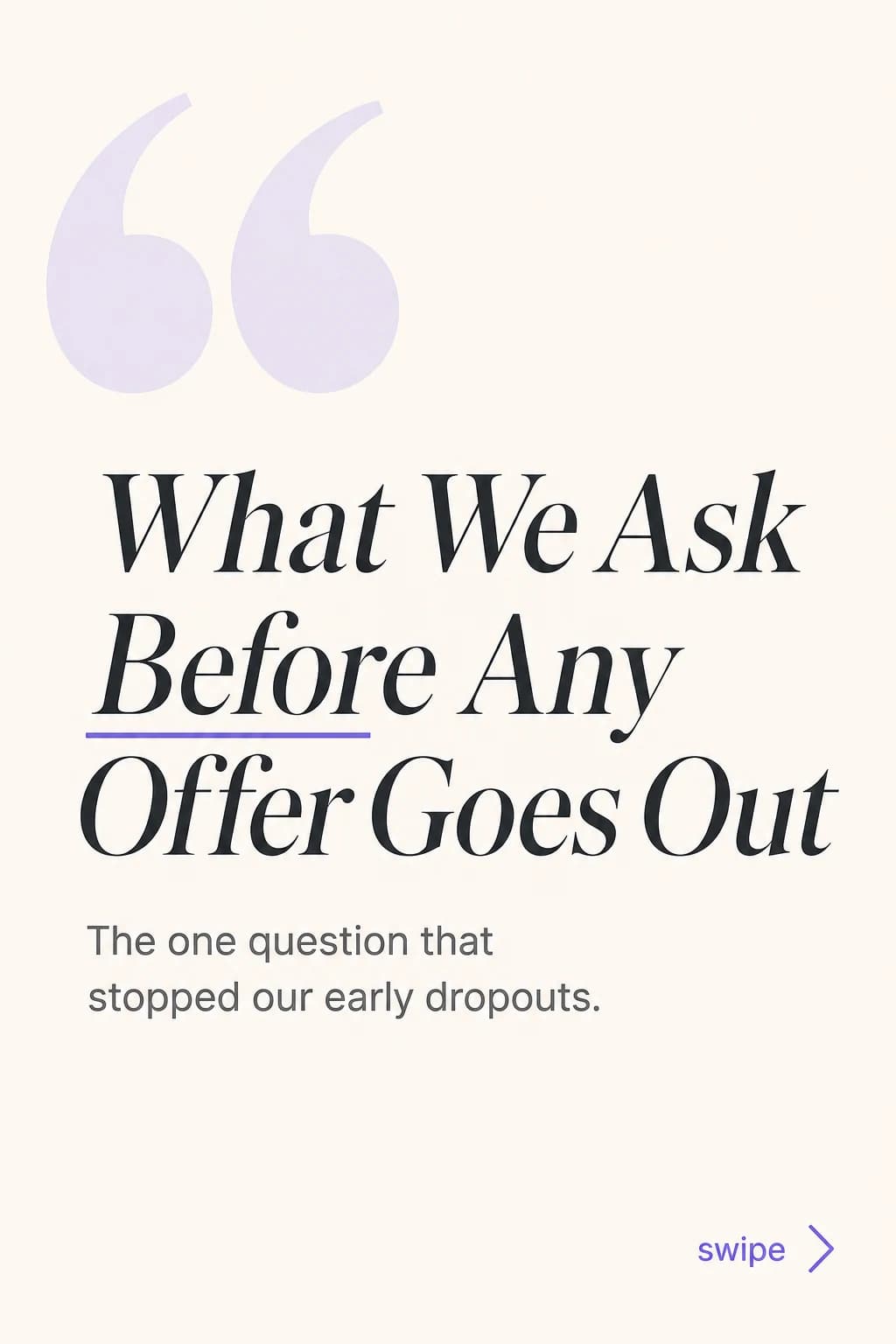

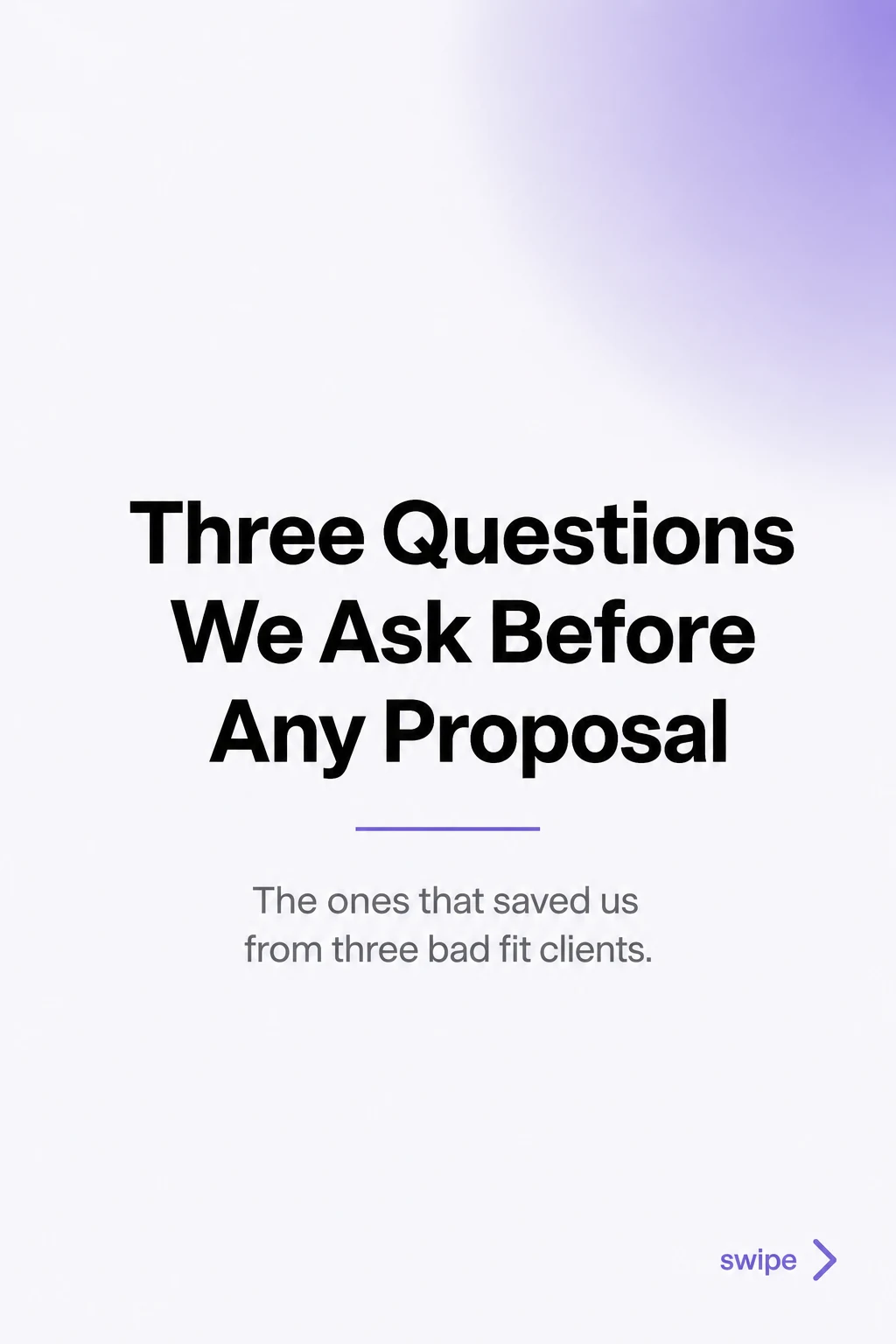
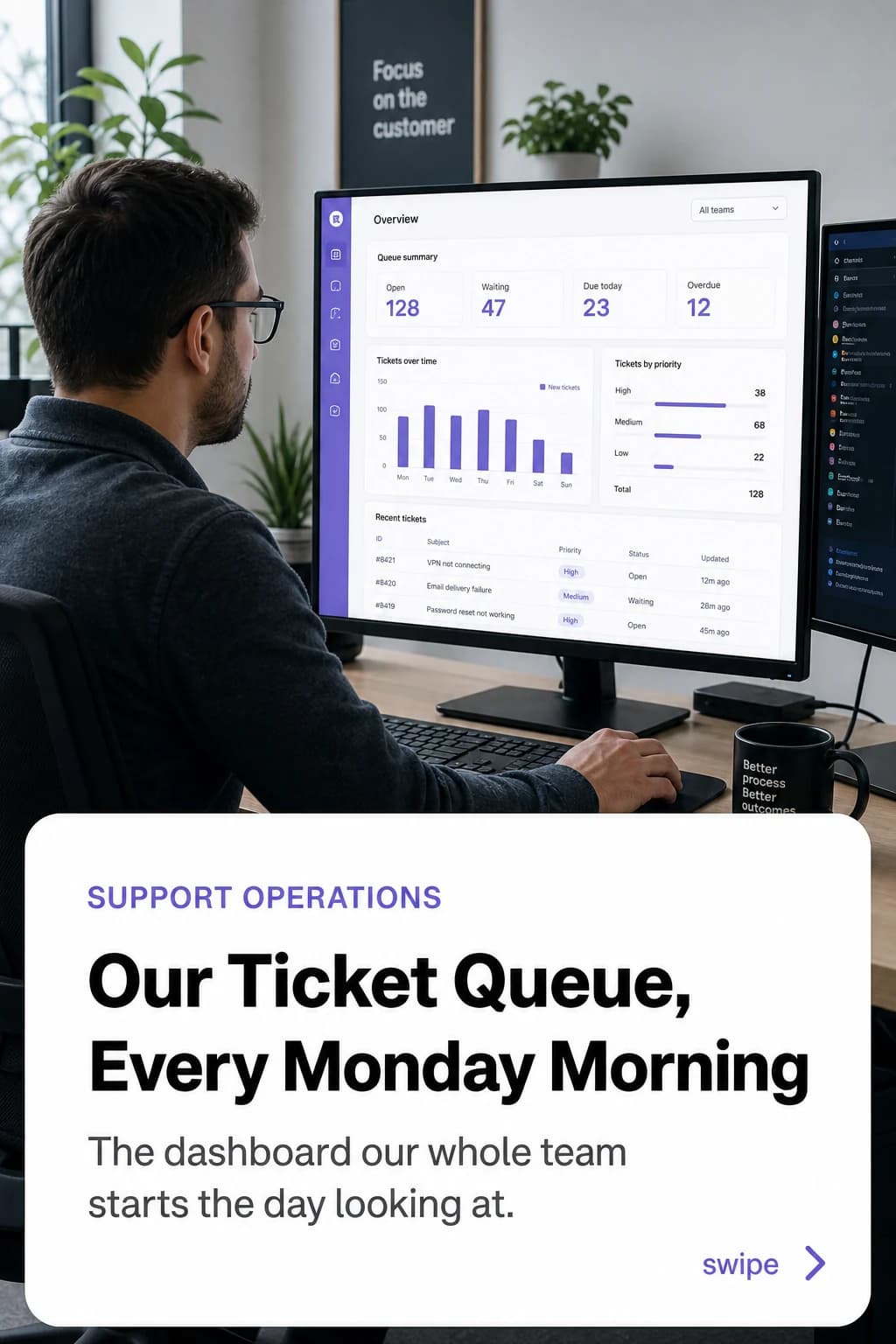
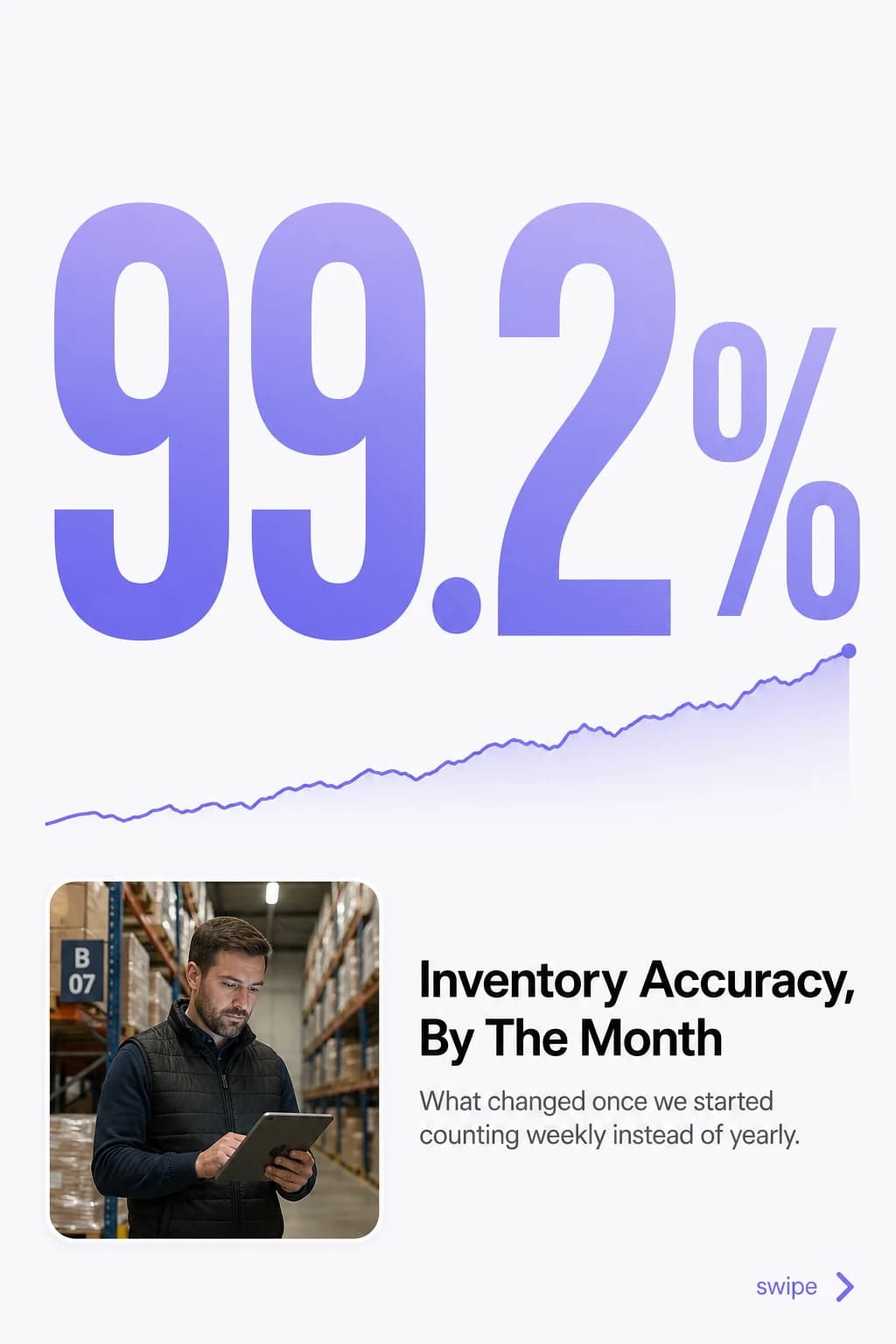
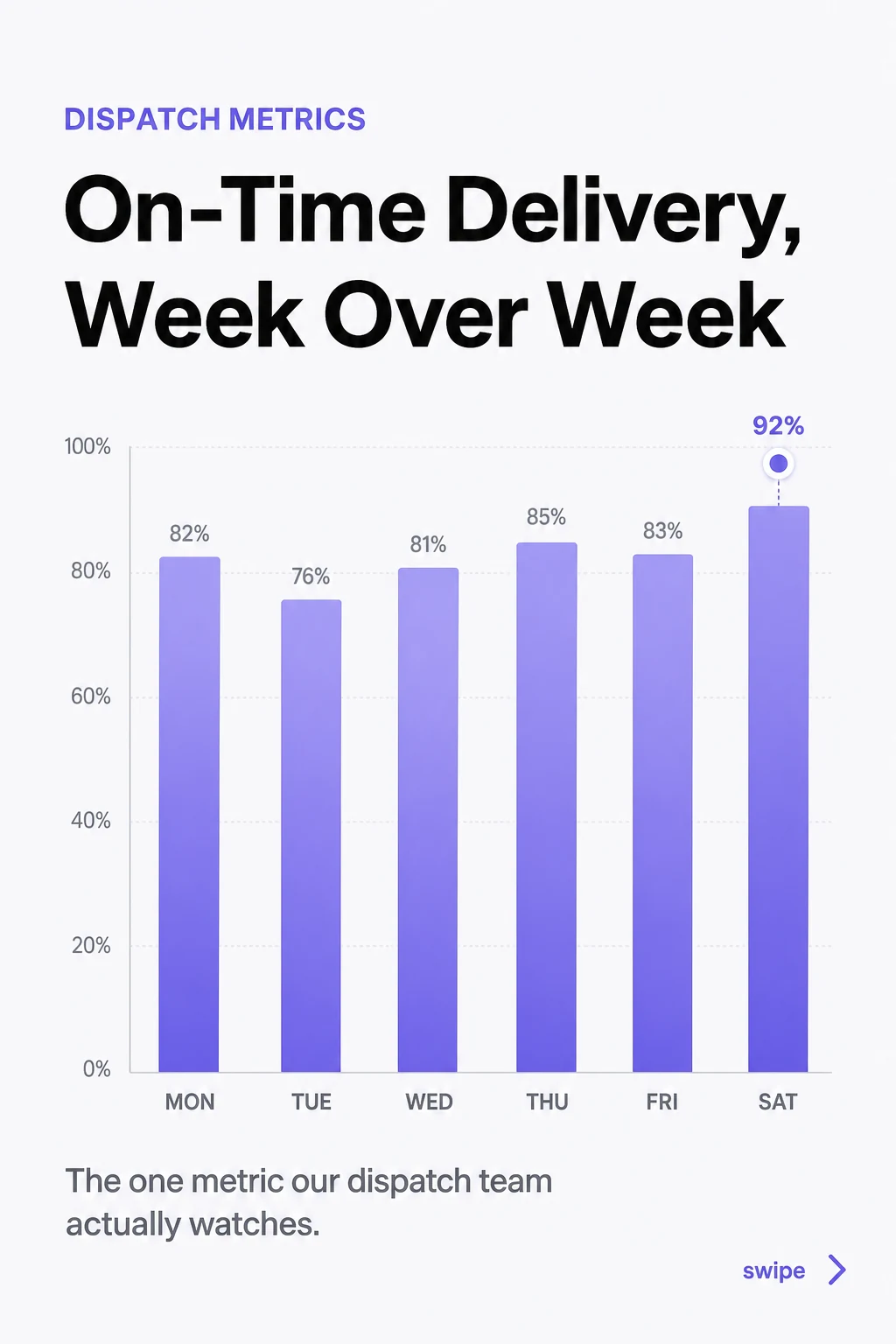
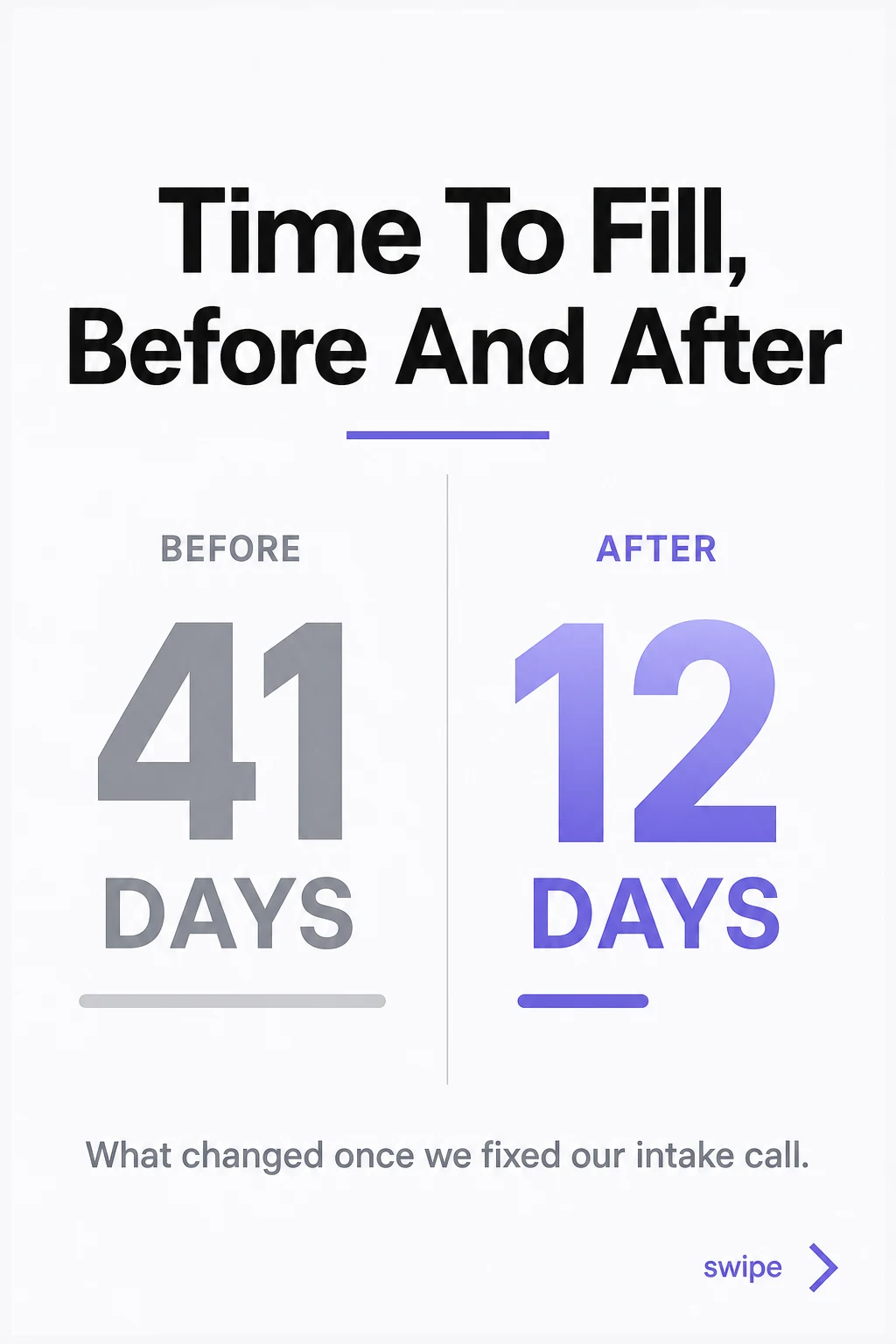
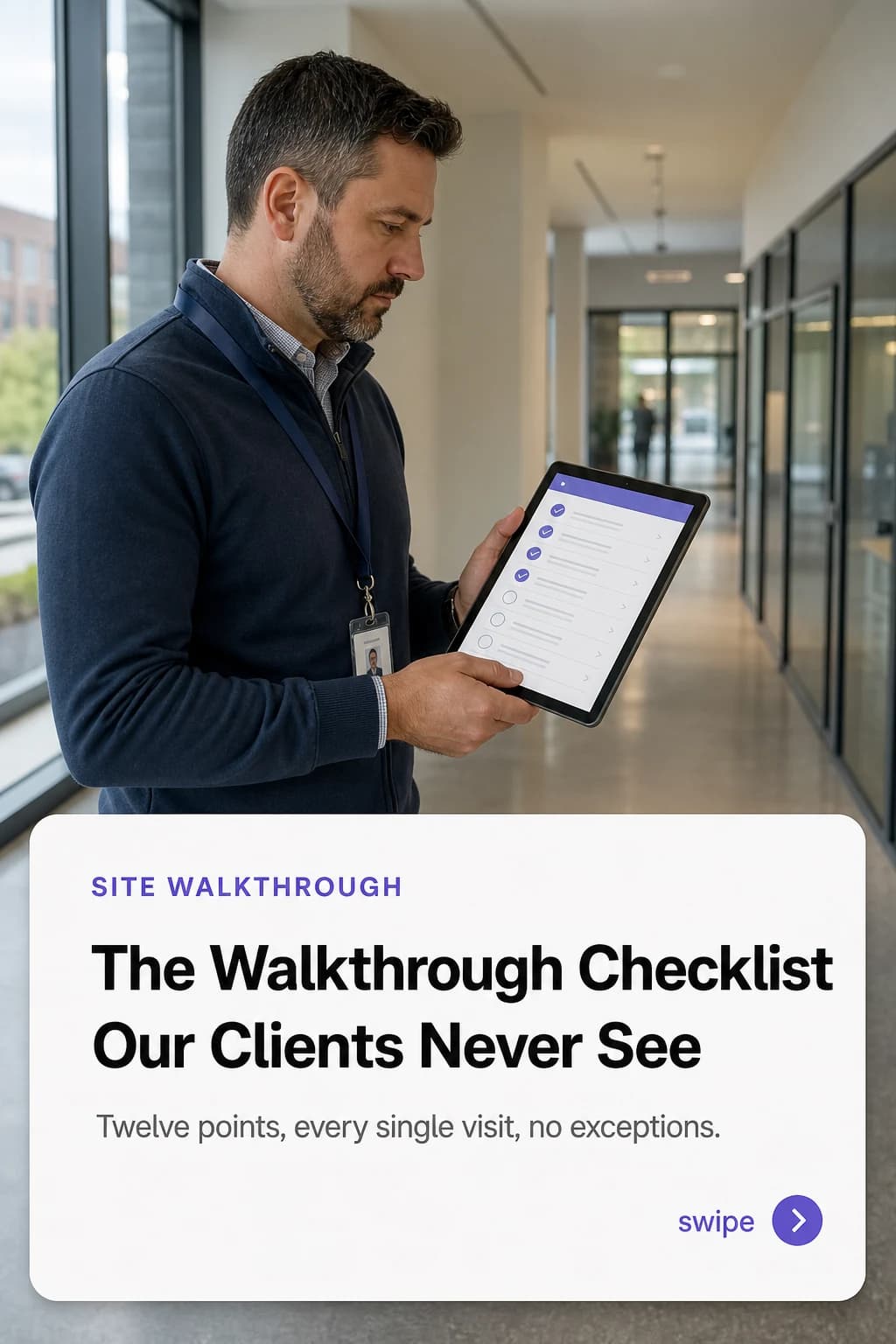
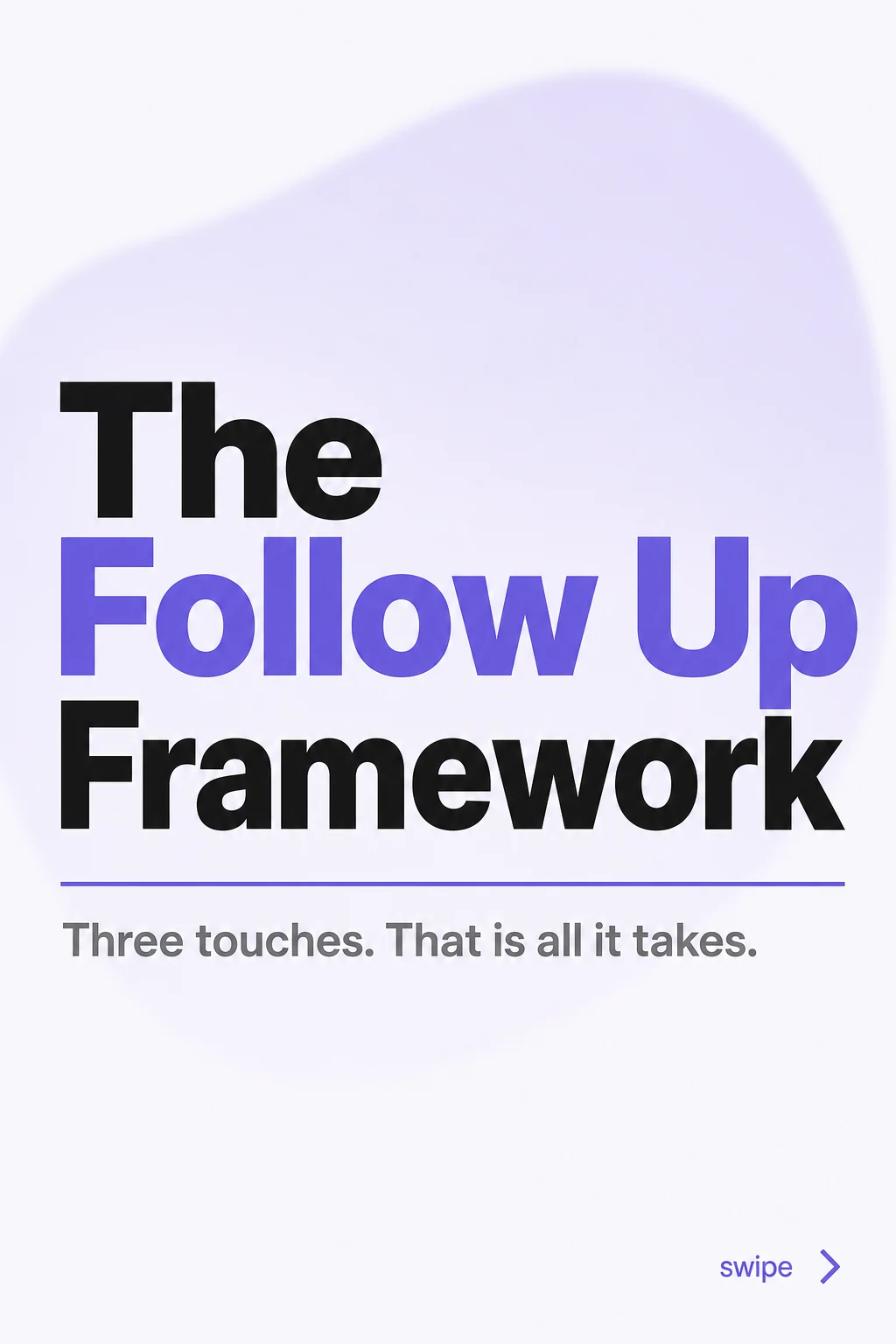
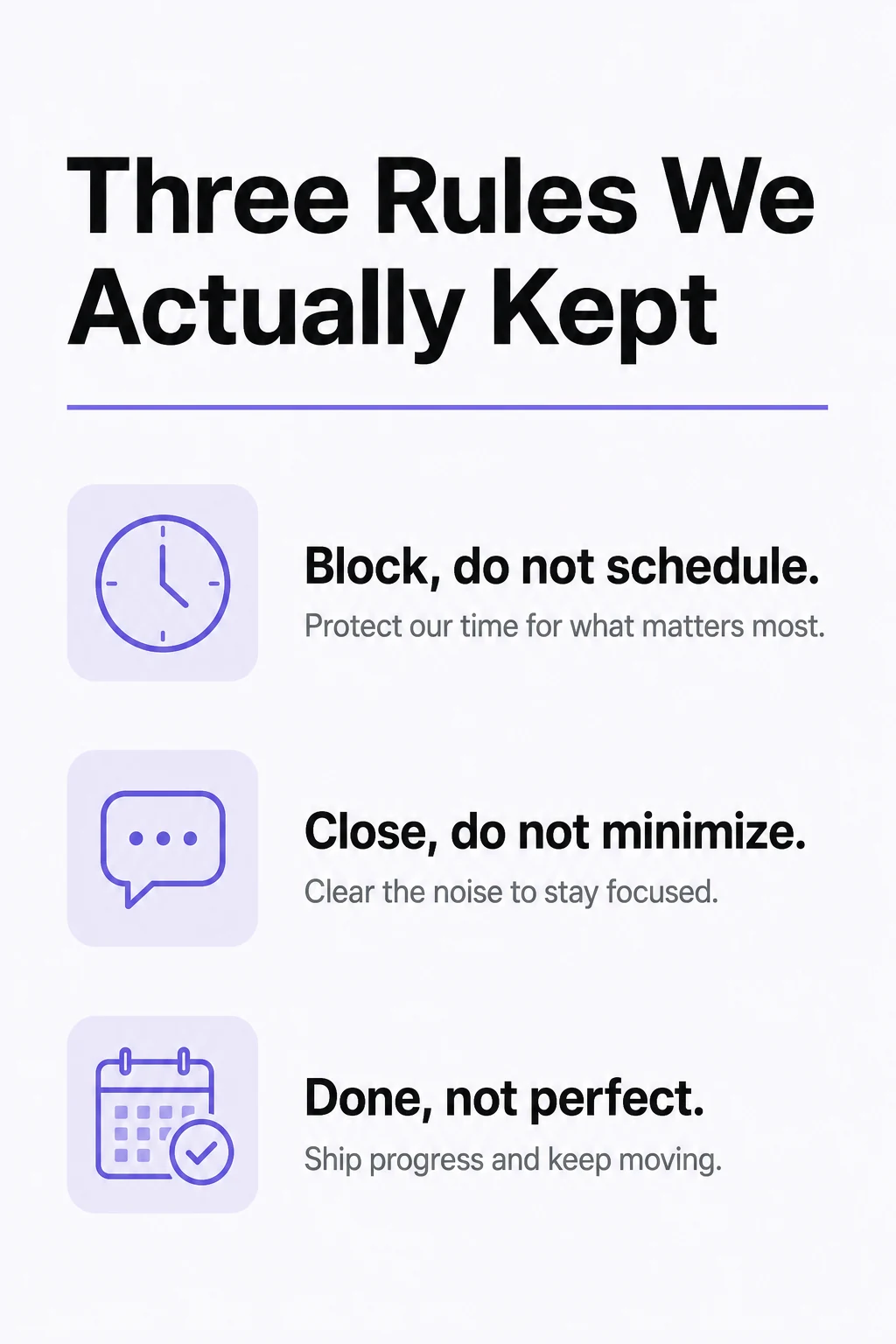
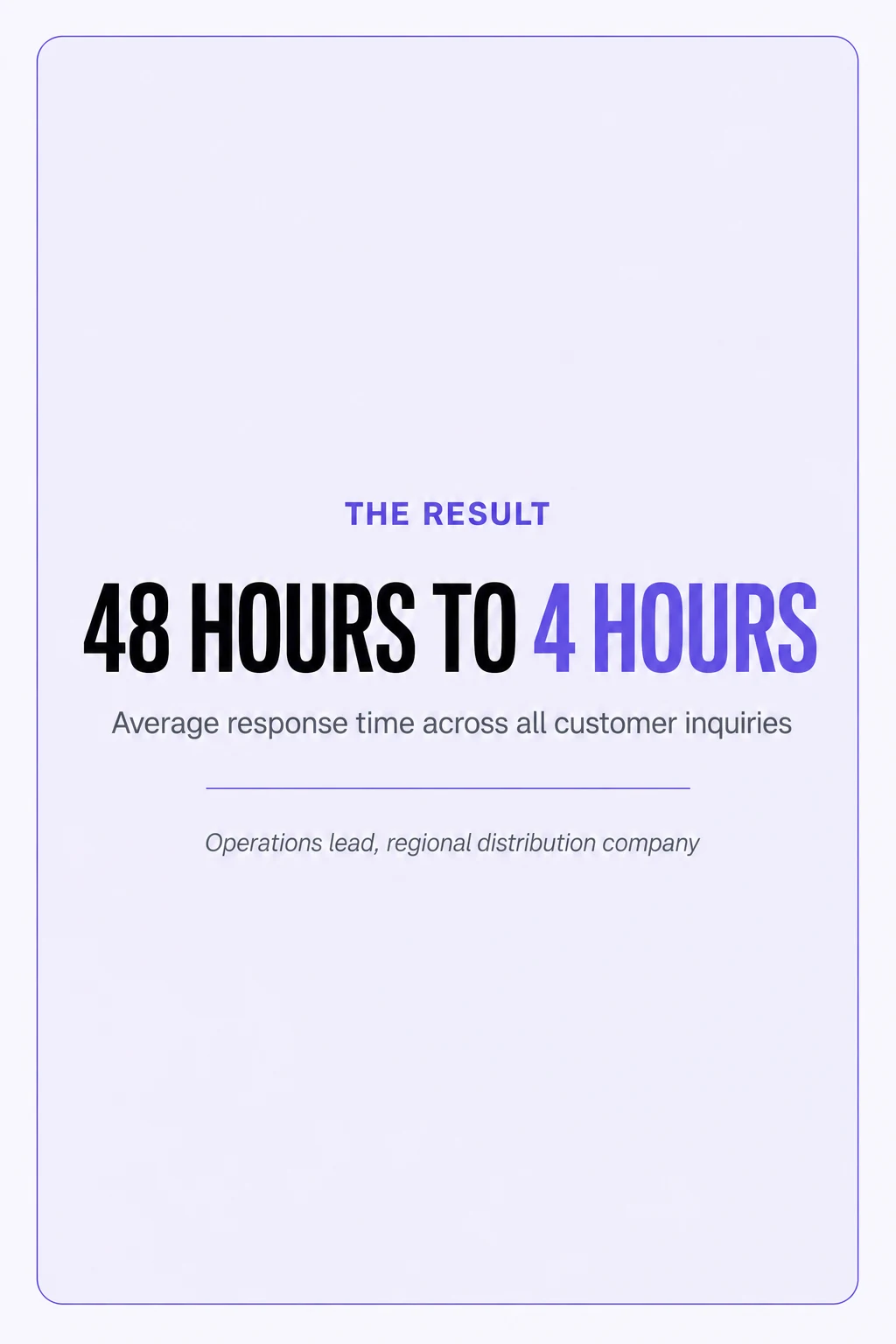
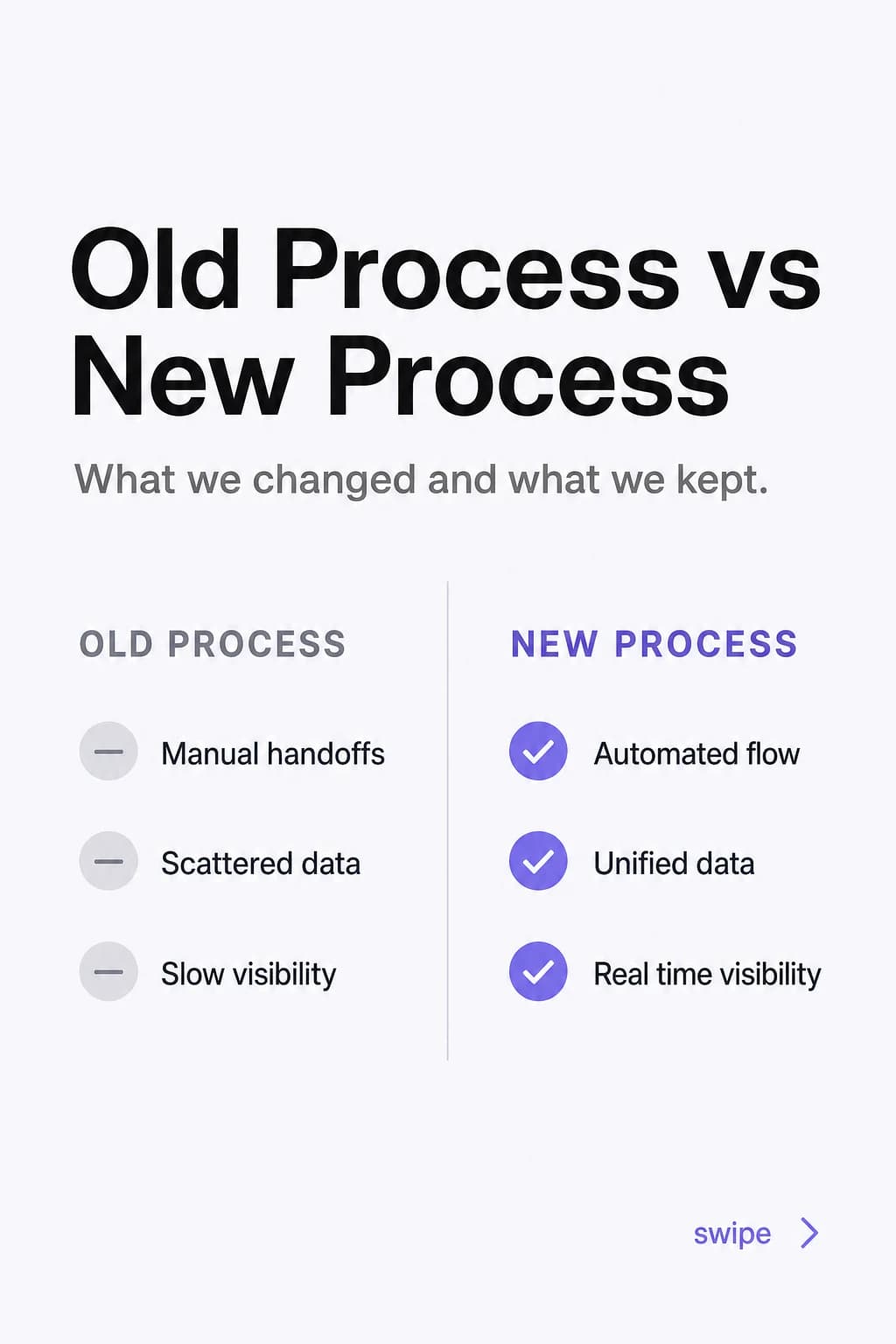
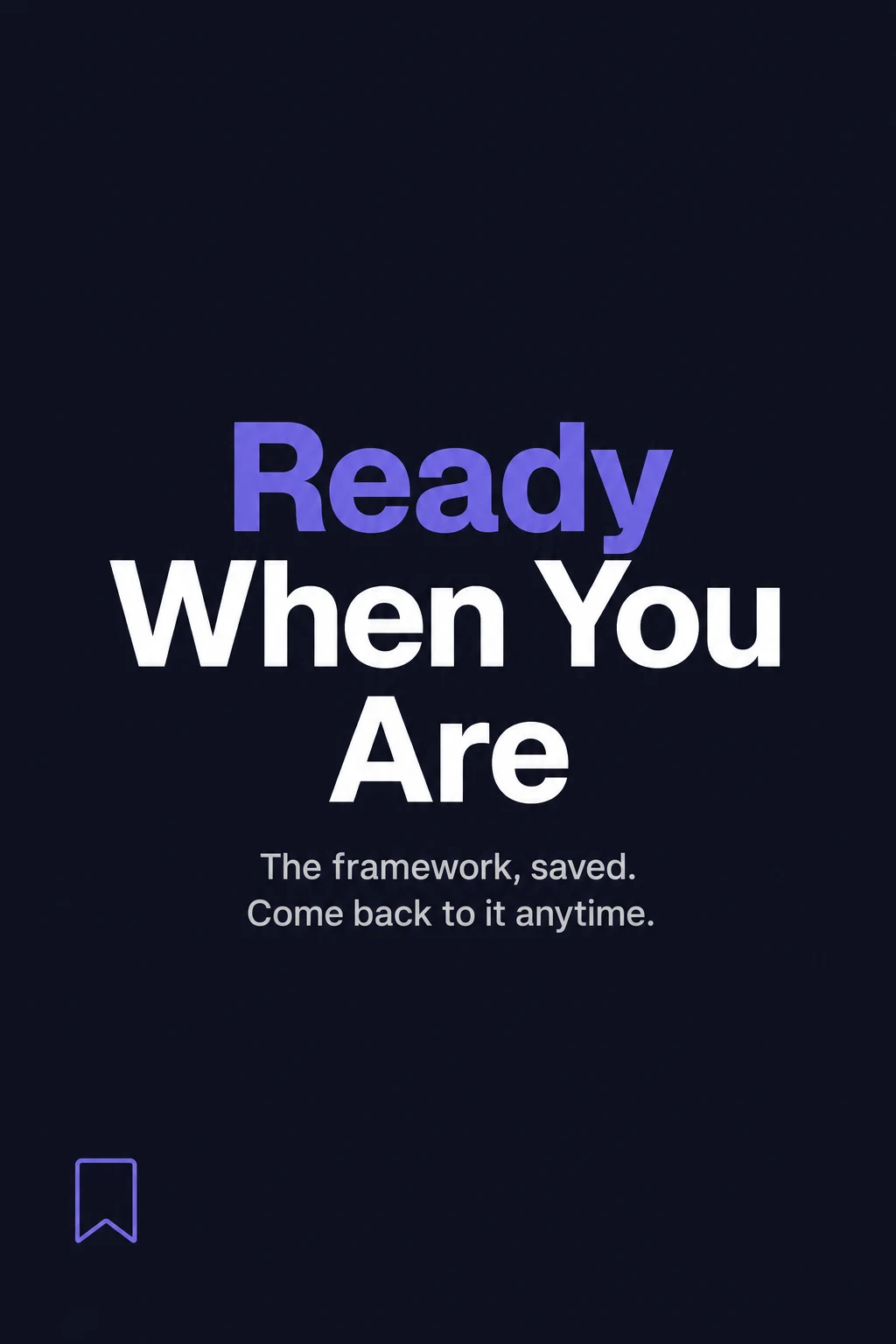
Your work, in your brand. In under 2 minutes.
Your real colors and fonts, your company's voice, laid out for you and ready to deliver or publish.
Start free trialYour page and theirs, side by side
The national provider bidding for the same contract posts every week. Here is what a buyer notices when they open both pages.
The page they find today
Last post
March. The page reads as a company that stopped doing things.
Consistency
Every piece looks like it came from somewhere else, because a different person made each one.
Substance
Two reposted articles, a holiday graphic, and a stock photo of a handshake.
What arrives with the bid
A PDF the last agency built, still carrying the logo you stopped using.
Who keeps it going
Nobody owns it, so it slips to the end of the week, then to the end of the quarter.
With Blendin
Last post
This week, and next week is already drafted and waiting on you.
Consistency
One brand kit, read off your own site, so the colors, fonts and logo are the same every time.
Substance
Your own material: a project write up, a voice memo, the answer you give every buyer on the call.
What arrives with the bid
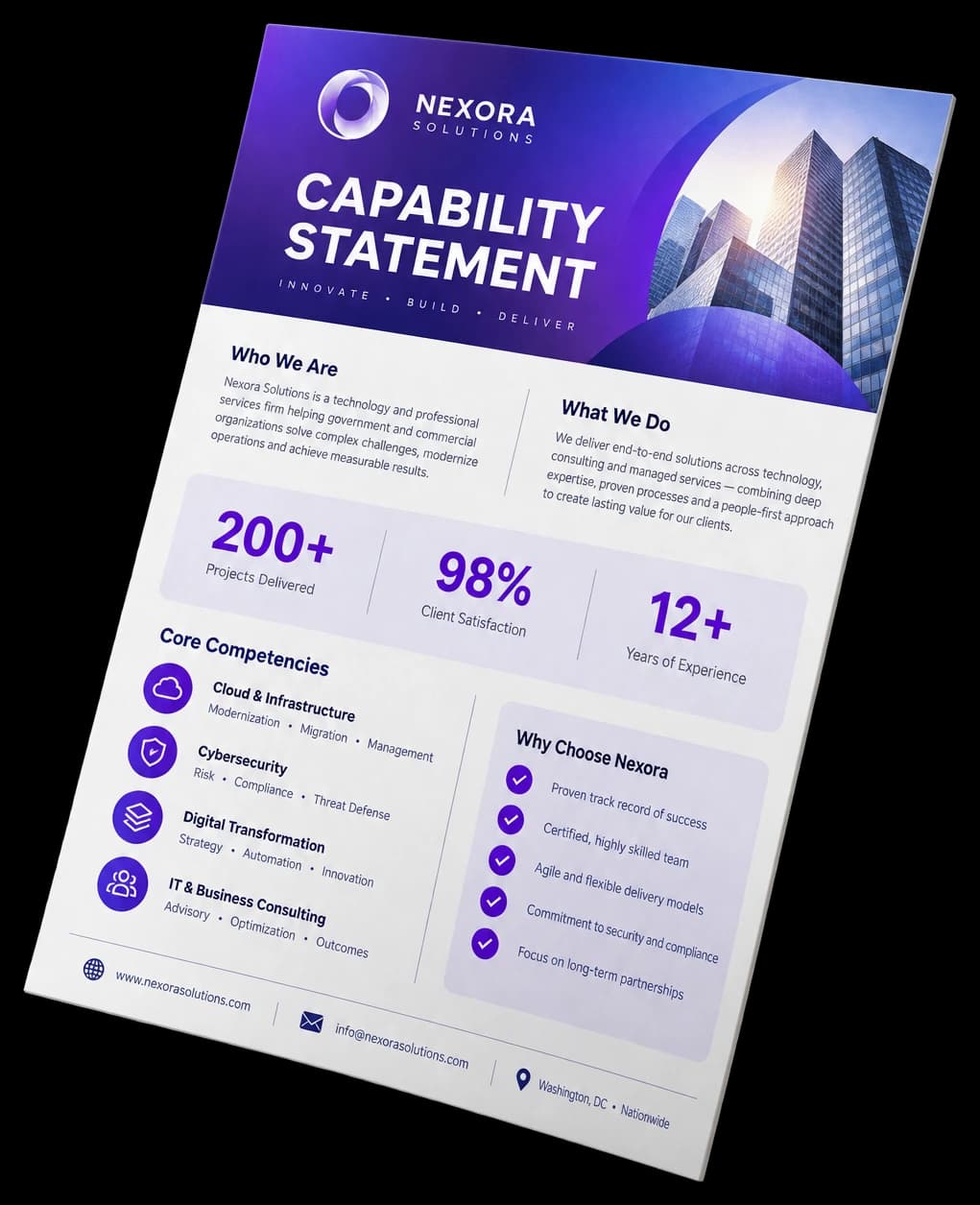
A capability statement or a one page spec sheet in today's brand, ready to publish or to attach.
Who keeps it going
A cadence you set once, with every piece waiting for your approval before it goes out.
Write it, design it, publish it, measure it
One place, instead of a design tool, a scheduler and a stack of analytics tabs. If the company runs more than one brand, each one gets its own kit, so the voices never cross.
Your brand, read off your own site
Scan your company site once. Every piece comes out in that brand, so the company reads as one company.
- Your real colors, fonts, and logo
- No color if it is not really there, never invented
- Your real logo composed into the image, never faked
Voice Signature learns how you write from what you publish, weighted by real engagement, and goes deeper on higher tiers. Scoped per kit, so voices never cross.
It watches your industry, so you always have something to say
Pick a few real topics for your company. Blendin watches for developments that actually matter to you and turns the ones that pass a real relevance check into a ready idea.
- A clean headline, why it matters to your company, and two angles
- A real, checkable source behind every idea, never invented
- Discarded outright if it does not pass, never kept "just in case"
Starter and up. Paying more grows how deep the radar goes. The digest email comes every two weeks on Starter and weekly on Pro and Business, never more often than that.
New workplace-safety rule takes effect for cleaning crews
Regional facility managers report rising demand for audits
It writes from what your team already knows
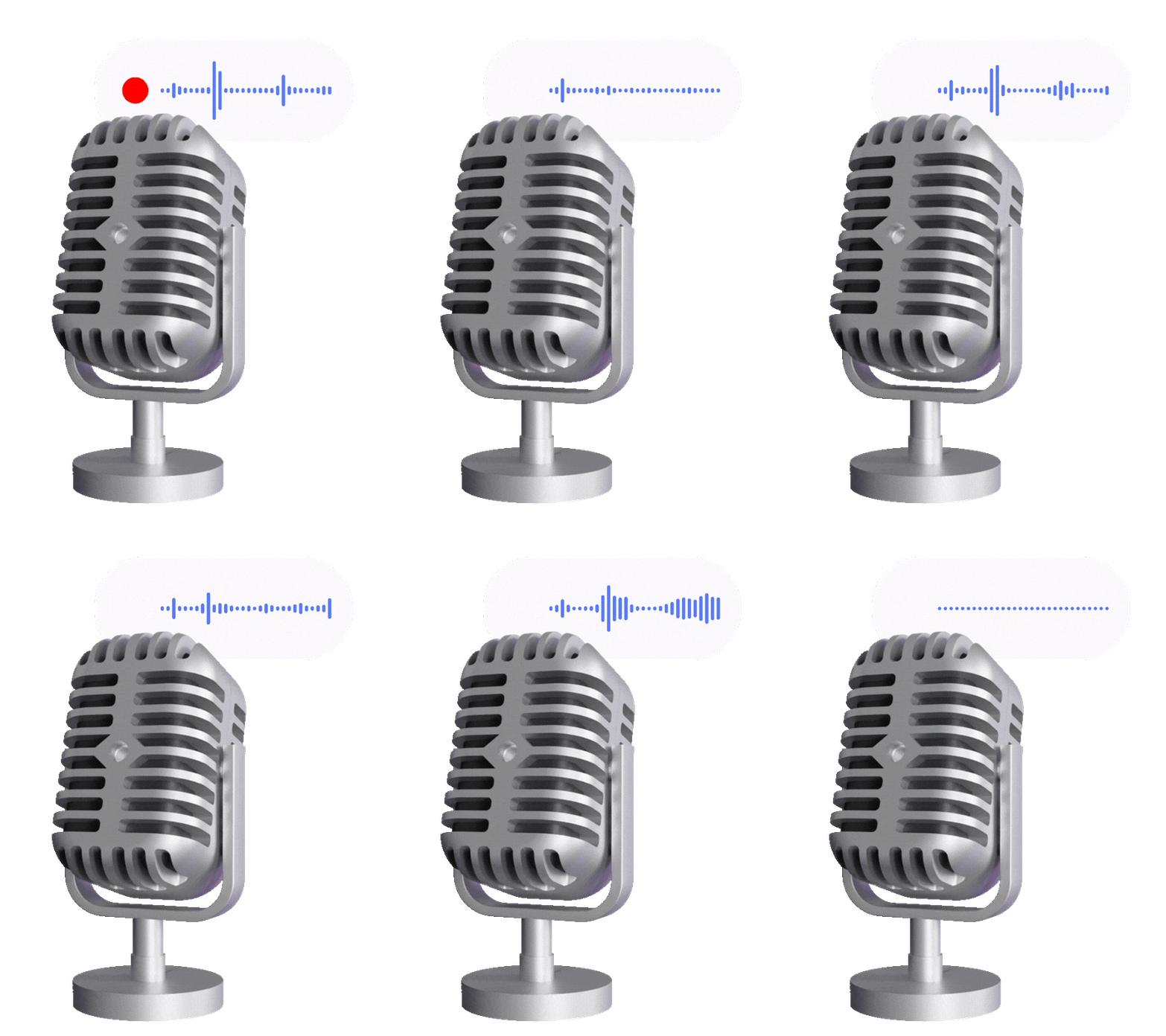
A short guided interview, typed or spoken, turns what you say into durable knowledge every piece draws on. Fresh questions land every day, grounded in your own company. It works from your real answers and never invents facts.
Type on every plan. Add voice memos on Starter and up, and your Voice Signature goes deeper as you move up.
Insights, in layers
Post performance, audience growth and demographics, and best-time-to-post, in one place. Real numbers, with honest empty states until the data is in.
Every format you post, every document you send
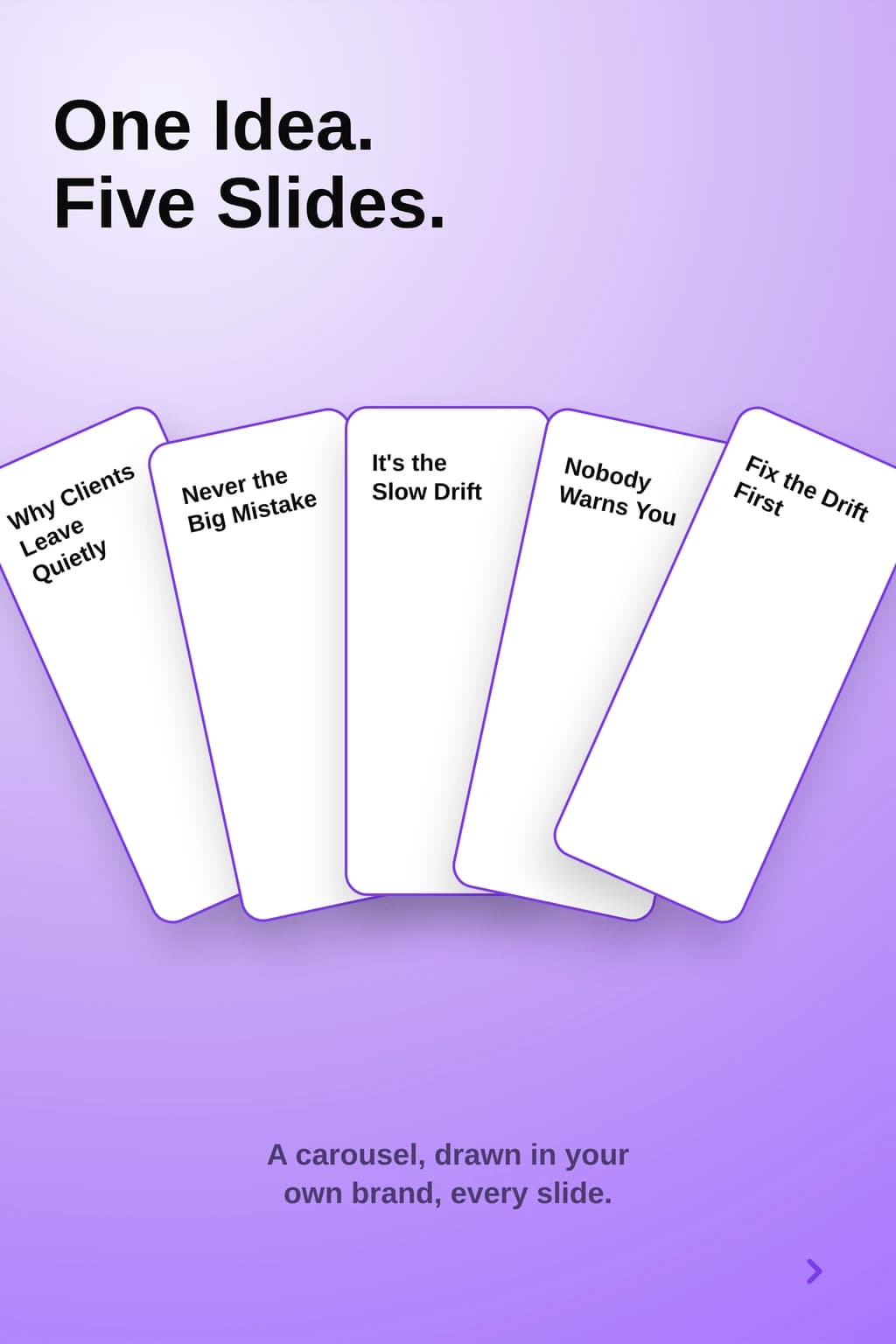
One brand kit, every shape you need to post or to send.
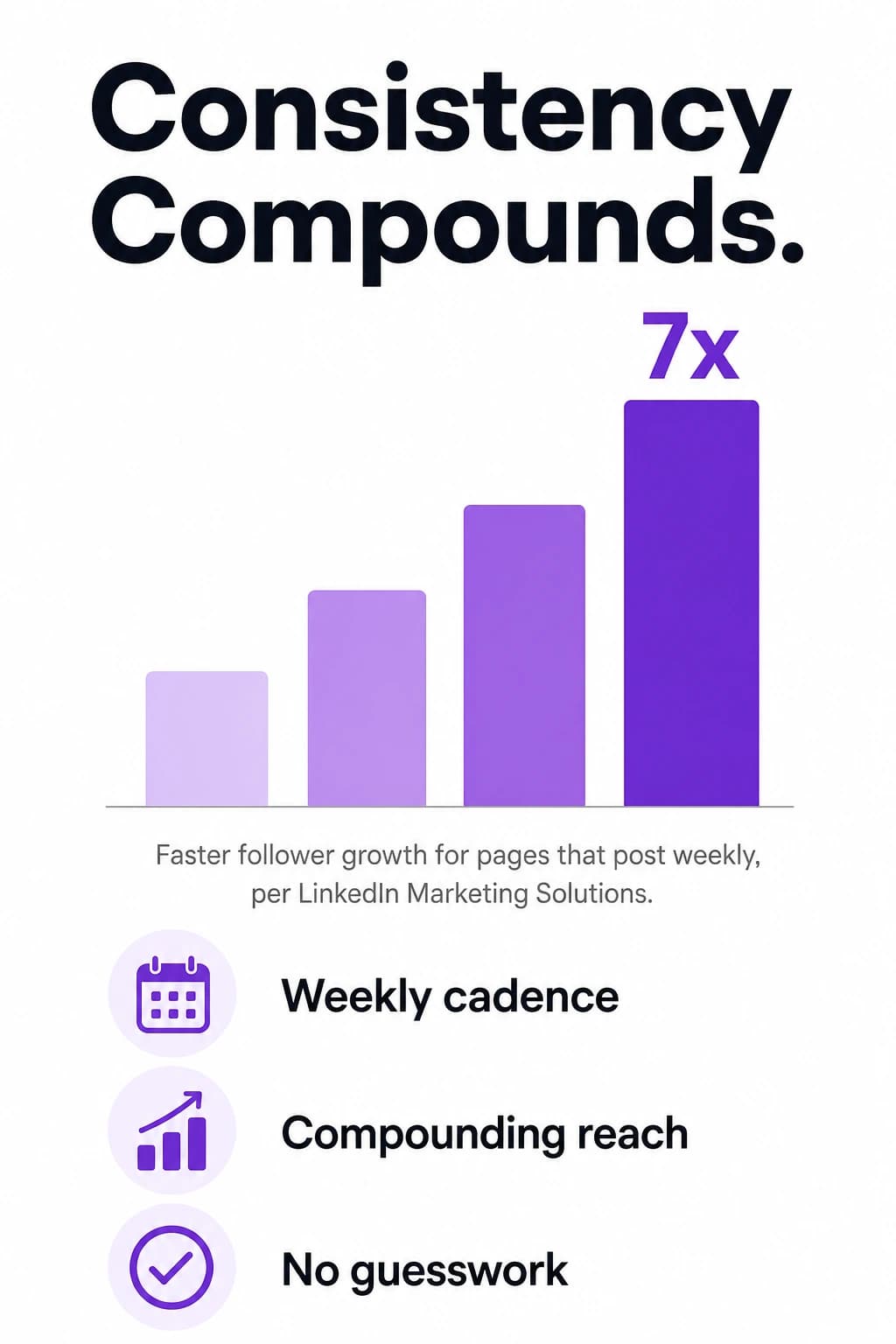
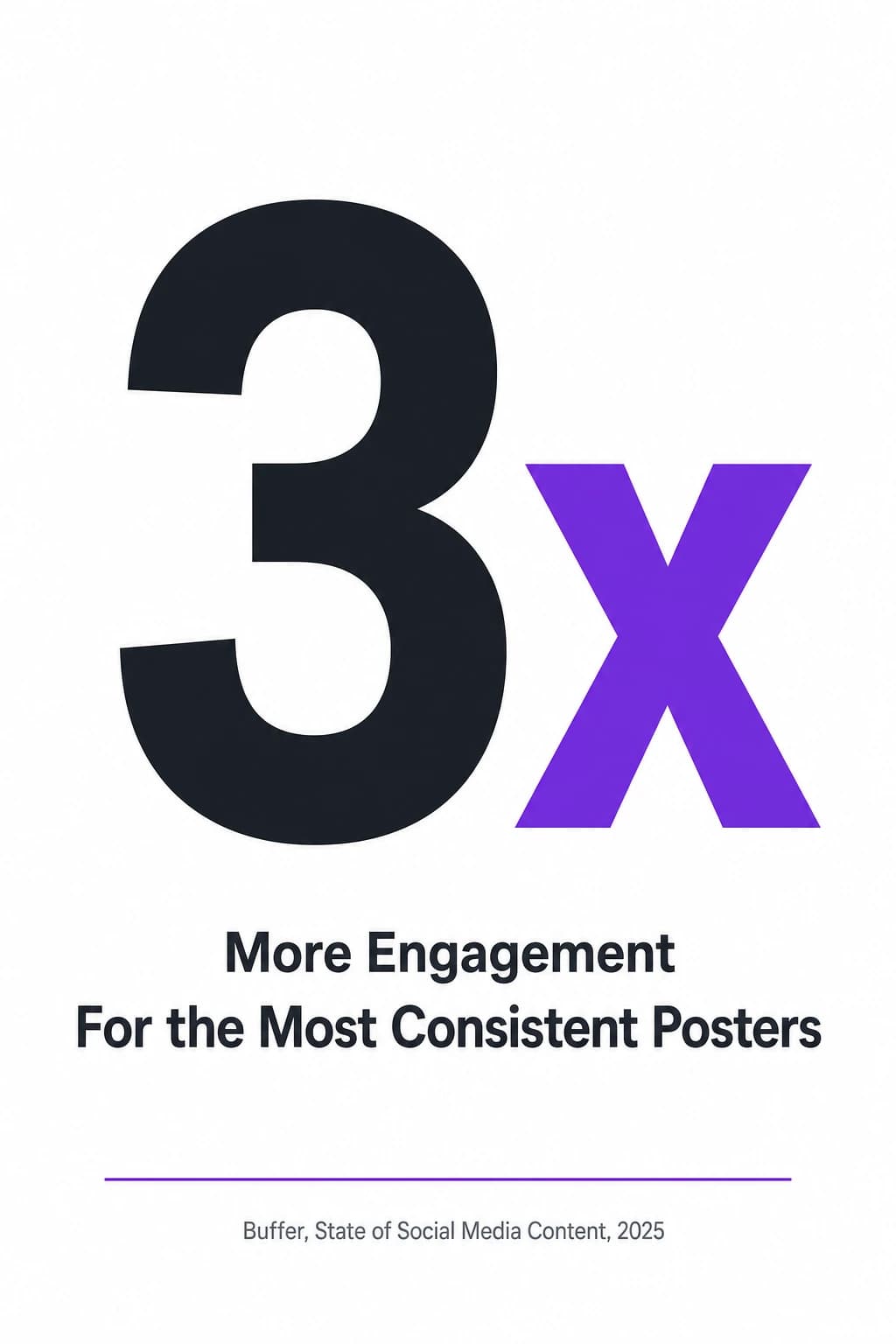
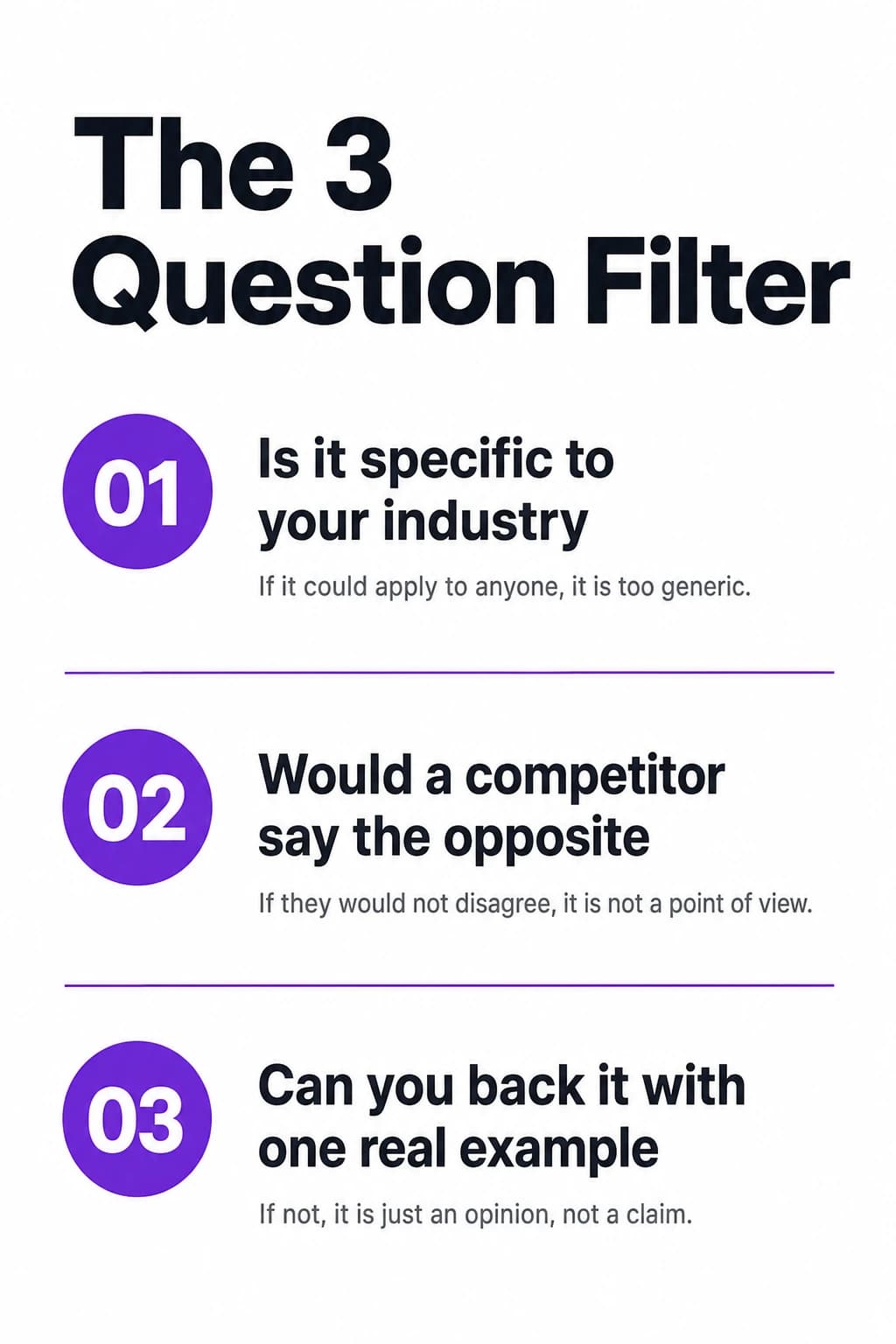
- Carousels up to 10 slides (8 on Starter), six image formats, Threads chains
- Capability statements, spec sheets, proposals, case studies
- Editable LinkedIn Document, PDF, or 16:9 presentation
Same brand kit as your posts, so the document you hand over and the feed a buyer checks are the same company.
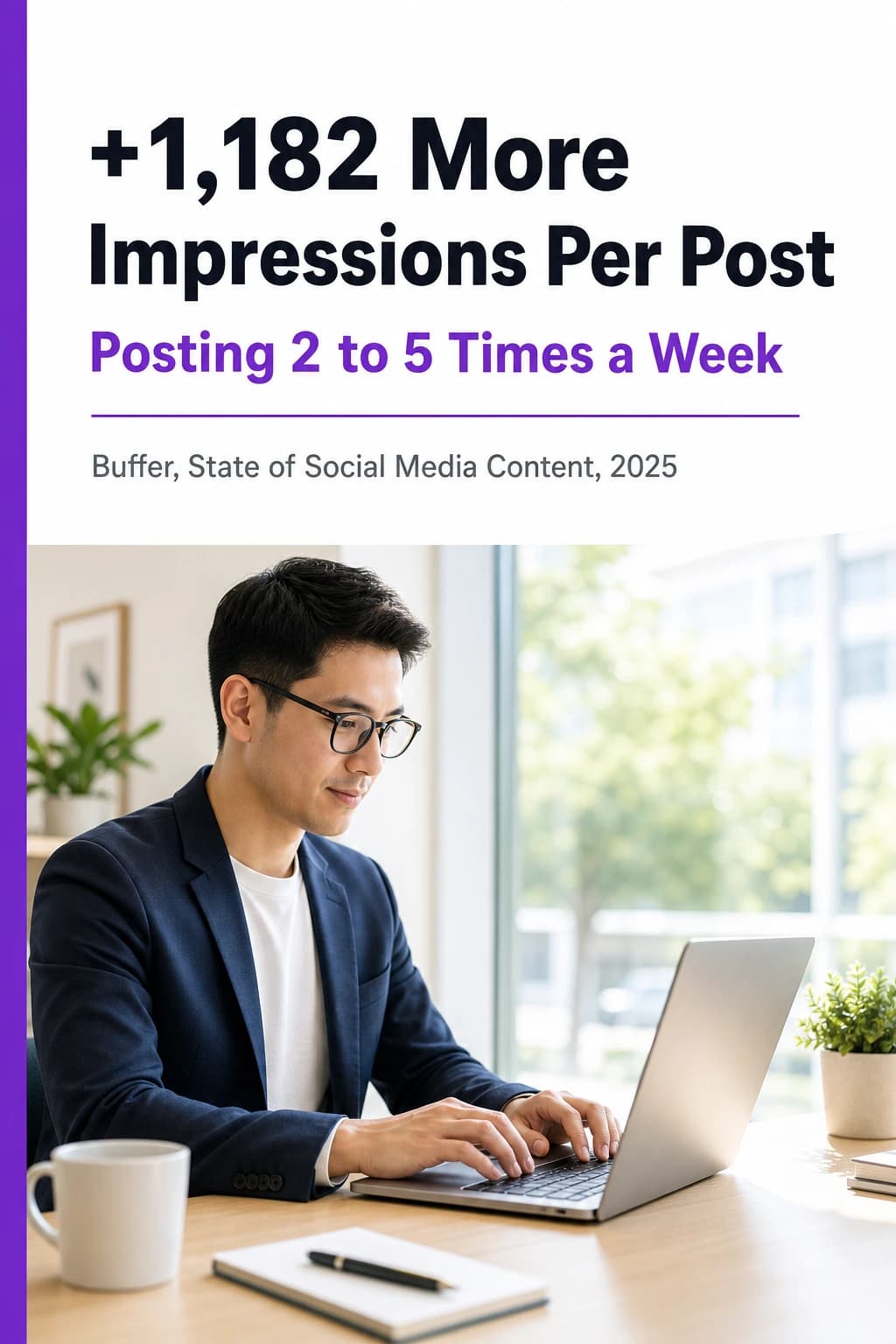
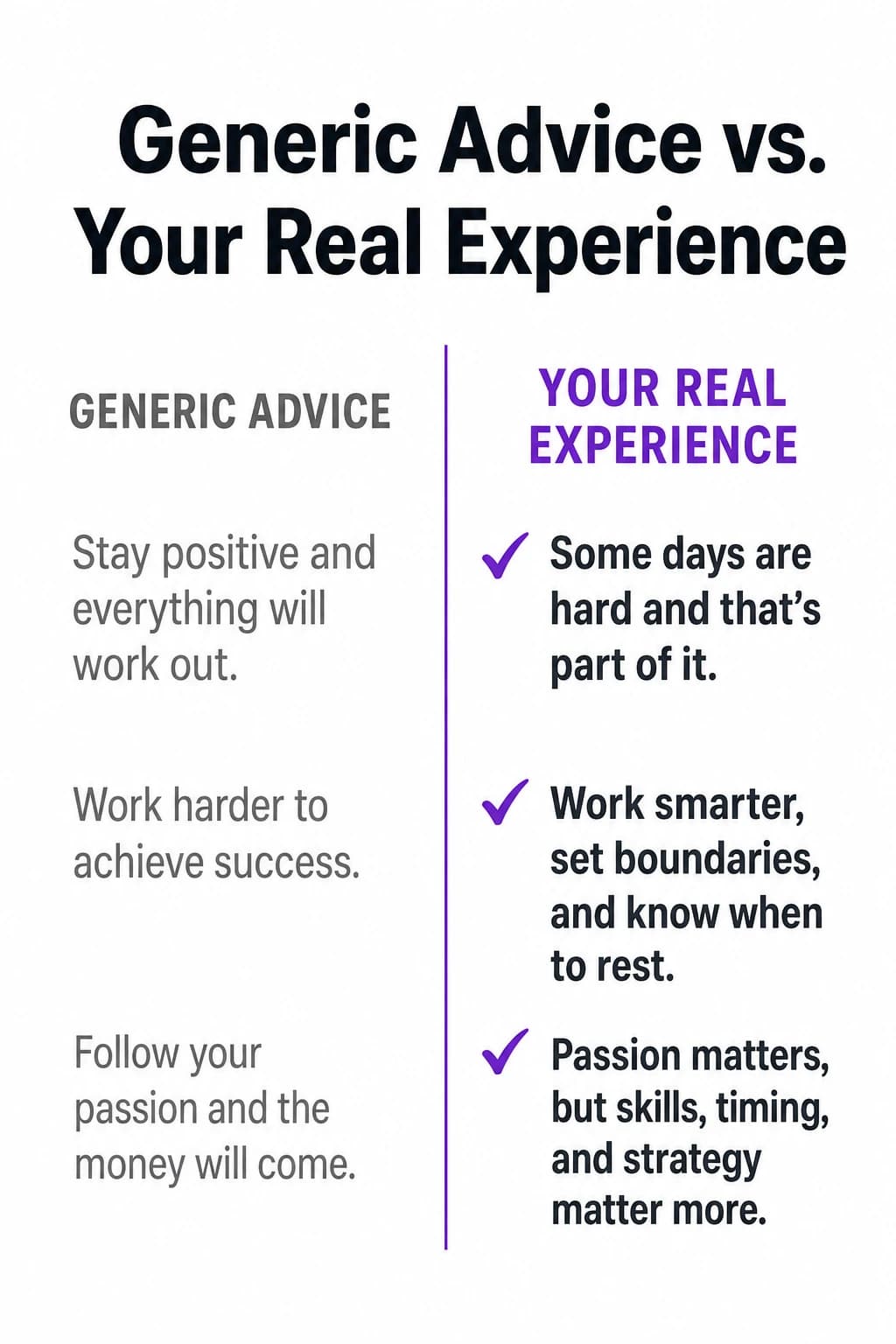
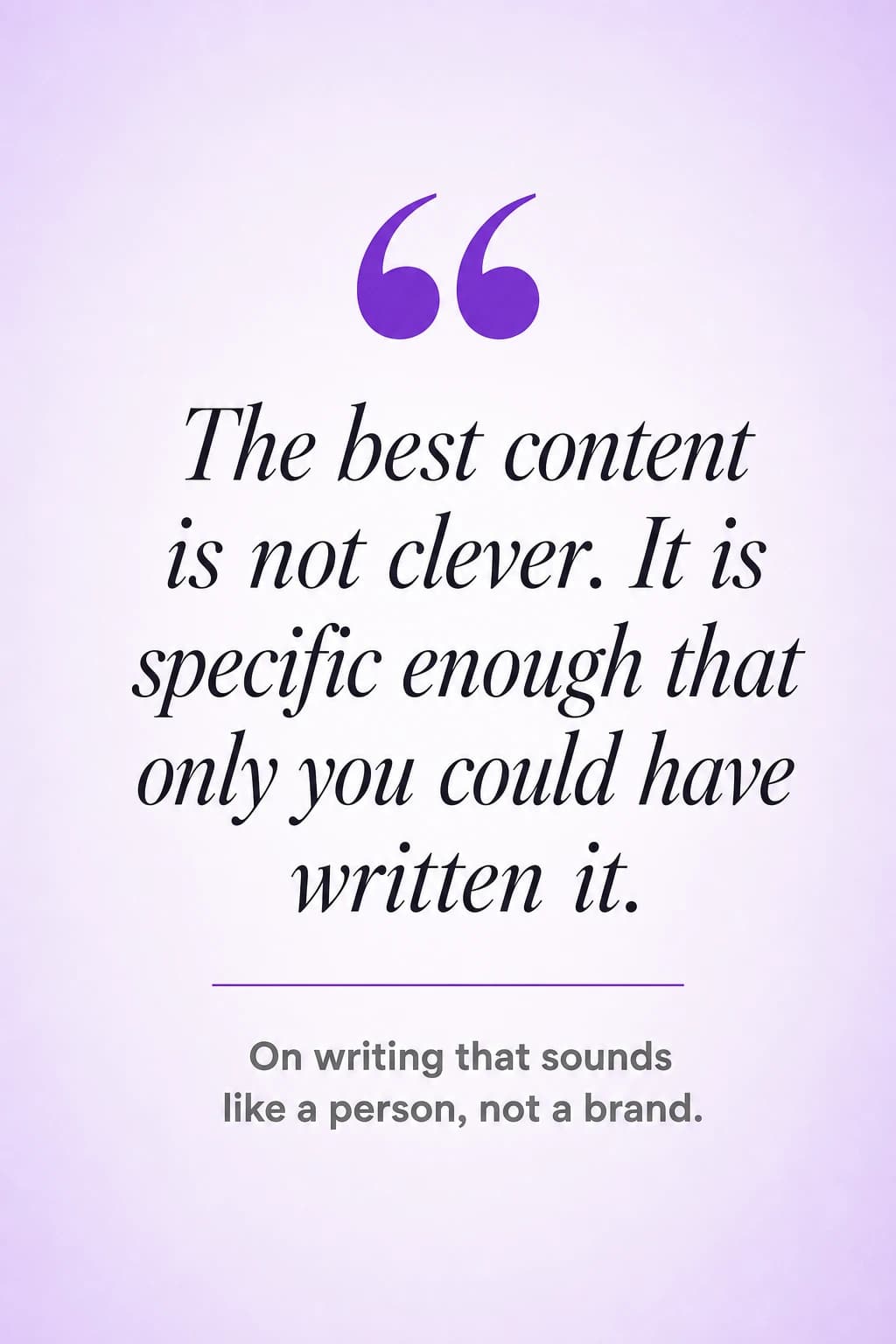
Publish where your buyers check you out
Make it once, then publish live or schedule months ahead to LinkedIn (personal and Company Pages), Instagram, Facebook and Threads, with TikTok on Pro and up.
The first comment carries your link
A link in the post body costs reach, so it belongs in the pinned first comment. Blendin writes one and posts it the moment you go live, on LinkedIn, Instagram, and Threads.
Best effort. A missed comment never blocks the post.
The full spec sheet is linked here.
The checklist is saved in the caption.
Short, on brand, ready before you publish.
More on this in the replies below.
Loops, for the weeks you are busy
Set a cadence once and Blendin drafts the next piece on schedule, so the page is not cold the week a buyer opens it. Each one still waits for your approval.
Frequently asked questions
Can I try Blendin for free?
Yes. Every new account gets a 14-day free trial of the full Starter plan. You sign up, scan your brand, preview your first on-brand demo carousel, and make one piece of your own, which you can publish or schedule to one connected account, all before the card wall. To make the next piece, connect a second account, or save your work, you add a card: card required, no charge today, then $59 a month, cancel anytime. You get the complete experience: the anti-AI writing engine, Brand Kit, carousels, scheduling, and publishing across your connected networks. On day 14 it becomes $59 a month (Starter) unless you cancel first; if you cancel, your account keeps your content and Brand Kit in read-only mode so nothing is lost. Our free browser tools stay free, no signup needed.
Does the content actually sound human, not AI?
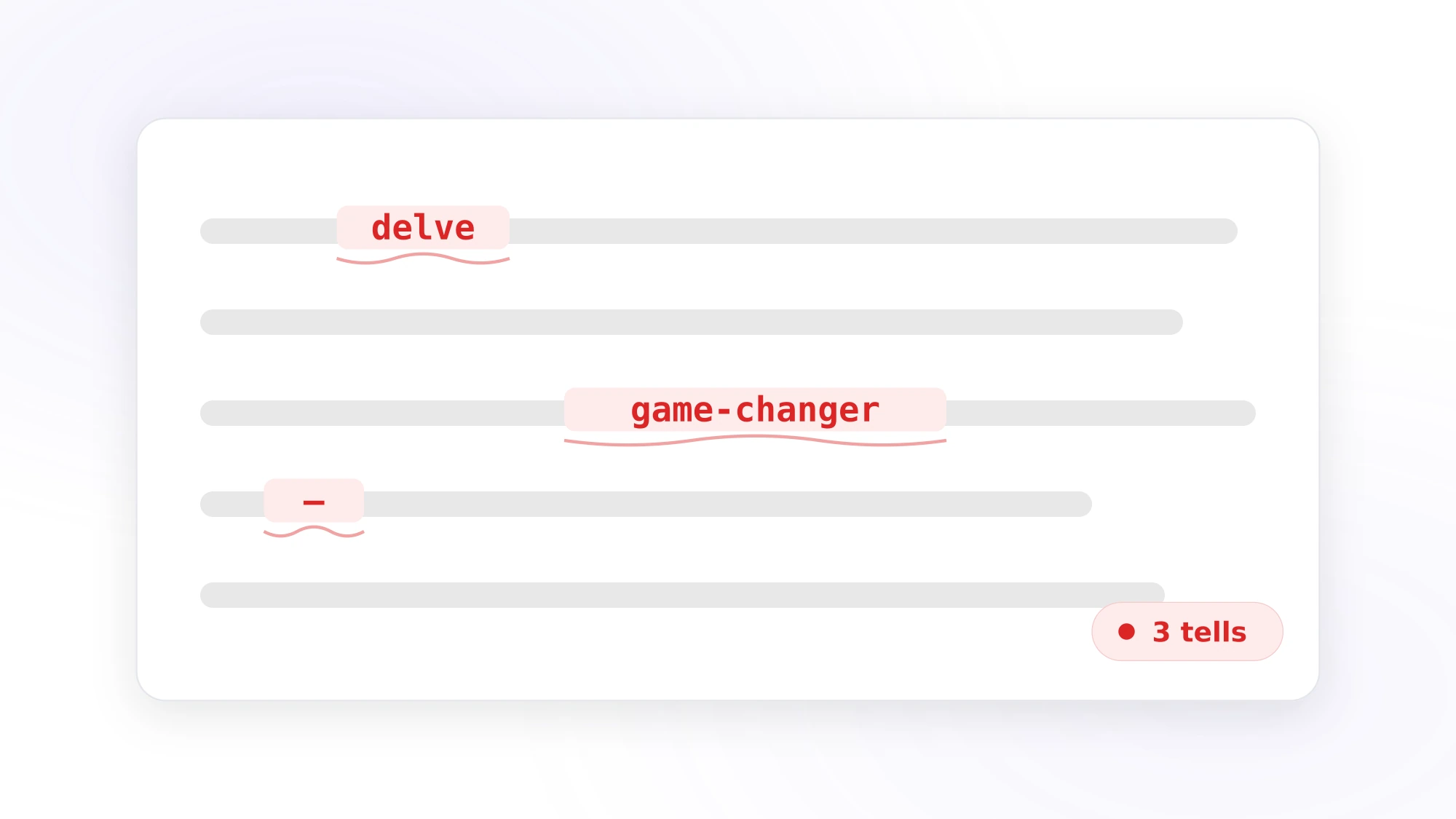
That is the core of what Blendin does. The writing engine drafts your content, then a separate judge pass re-checks it against a strict ruleset: no em dashes, no buzzwords like "leverage" or "delve", no fabricated claims, no contrarian flip phrasing. Anything that fails gets rewritten before you see it. The engine works in both English and Spanish. LinkedIn has said it limits the reach of generic, low-effort content, and a post that reads like a machine wrote it is exactly that, so Blendin fixes it at the source instead of leaving cleanup to you.
What types of content can I create?
Carousels of up to 8 slides on Starter and 10 on Pro and Business, image posts in 6 formats, text posts, LinkedIn Documents (long-form PDF deep-dives of up to 12 pages on Starter, 25 on Pro and 40 on Business, or a named document such as a case study, capability statement or one-pager, with real text you can edit and copy and a PowerPoint file that opens in Canva), and Threads chains, and on Starter and up any carousel or document can be turned into a short branded video. Every visual is generated from scratch to match your Brand Kit, not a stock template with your logo dropped on top. The built-in editor lets you add text, shapes, and logo layers, or run an AI Tweak, without re-rolling the image. You can also capture a quick note or voice memo and turn it into a polished post.
Is Blendin auto-posting, or do I stay in control?
You are always in the loop. Blendin drafts the post, you review it, and nothing publishes until you hit publish or set the schedule yourself. Scheduling and Loops line your posts up on a calendar and send them at the times you chose, not on hidden autopilot. On paid plans the AI first comment auto-posts the moment your post goes live on LinkedIn Company Pages, Instagram, and Threads. It is best-effort, and you still approve or schedule the post itself.
Can I use my own brand colors, fonts, and voice?
Yes. Paste your website URL and Blendin reads your real colors, fonts, and logo to build a Brand Kit in seconds, and if a color is not really there, it does not invent one. The kit then keeps every piece of content on-brand without manual adjustments. Voice Signature learns from the posts you publish with Blendin, including the final versions you edit by hand, so the writing sounds more like you the more you publish. Higher tiers remember a deeper style profile drawn from more of your own posts. You can run a separate Brand Kit per brand or account so voices never mix.
Which networks can I publish to?
Every paid plan publishes to LinkedIn (personal and Company Pages), Instagram, Facebook, and Threads, every one through official platform APIs, and Pro and Business add TikTok. Your 14 day free trial is the full Starter plan, so it covers the four. Blendin writes a caption tuned to each network automatically, so the same idea lands natively everywhere.
What do the paid plans cost?
Monthly prices: Starter $59, Pro $139, Business $249. Pay annually and save about two months: Starter $47, Pro $111, Business $199 per month. Every plan shares the same anti-AI engine and Brand Kit. Higher tiers add more credits, more connected accounts, longer scheduling windows, larger recurring Loops, a deeper Voice Signature, and team seats.
Can I cancel anytime?
Yes. Cancel in one click from Settings with no contracts or lock-in. You keep paid access until the end of the billing period. After that your account moves to read-only: your content, Brand Kit, and voice history stay saved and downloadable, and one click on a new plan picks up right where you left off.
Already comparing tools? See Blendin as a ContentStudio alternative.
Explore Blendin
Free tools to try right now, honest comparisons, and 6 in-depth articles on what actually earns reach on LinkedIn.
The next buyer who checks you out should find something.
Create an account in 30 seconds. Paste your company URL, approve the first piece, and publish it to your page today.
- 14 day free trial
- Cancel anytime
- Never sounds like AI